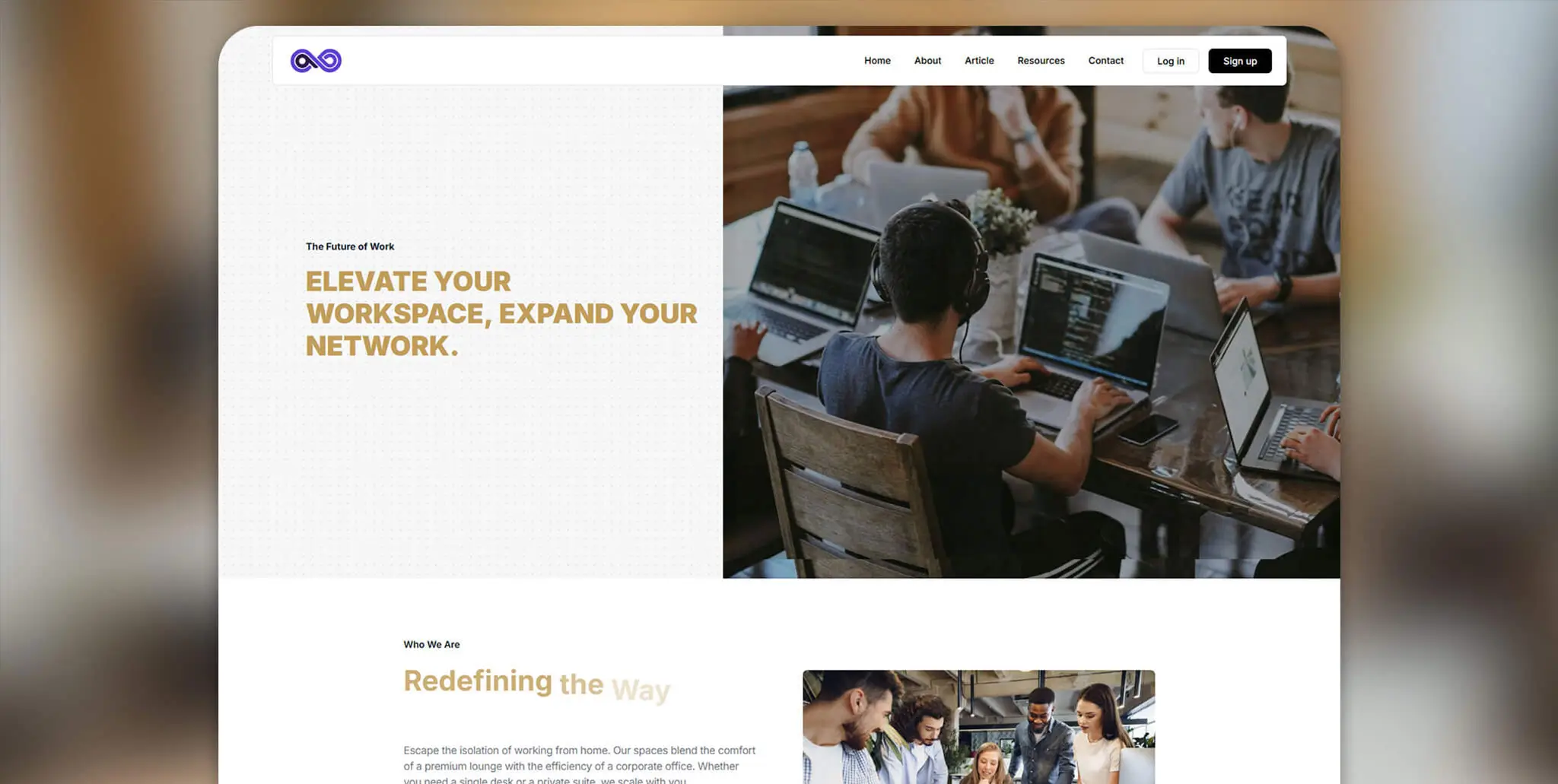

When you are selling or leasing a commercial property, a luxury penthouse, or a premium co-working membership, you are not selling square footage. You are selling an atmosphere. You are selling prestige.
Yet, 90% of real estate developers and co-working brands rely on generic WordPress themes. They upload massive, unoptimized photos into clunky image sliders, slap a “Contact Us” form at the bottom, and wonder why their conversion rates are terrible. A static website cannot convey the spatial volume of a loft or the sleek energy of a modern office.
To capture high-ticket leads in 2026, you must engineer an immersive digital experience. If you want to know how to create a premium real estate website with GSAP (GreenSock Animation Platform), you have to stop thinking like a web designer and start thinking like an architect.
In this guide, I will break down the exact GSAP techniques required to build a premium real estate website GSAP experience. We will look at the code behind elite property showcases, and I will share the exact methodology used at Pixloop Lab to turn these complex interactions into scalable, monetizable Elementor templates.
The Real Estate UX Problem: Why Standard Themes Fail
The traditional real estate digital experience is disjointed. Users have to click through multiple tabs to see the gallery, the floor plans, and the amenities. This creates cognitive friction.
Premium web architecture relies on fluidity. By utilizing GSAP’s ScrollTrigger, we can tie the entire narrative of the building to the user’s scrollbar. We dictate the pacing. We ensure that the typography glides into view exactly when the hero image reaches its maximum scale. We replace clicks with continuous, cinematic motion.
Technique 1: The "Virtual Walkthrough" Scroll Reveal
The Hero section of a premium co-working space cannot just fade in. It needs to feel like the doors are opening.
To achieve this, we avoid simple opacity fades and instead use a clipPath reveal combined with a subtle scale down. This mimics the feeling of stepping backward into a massive, open room.
The GSAP Code
Place this script inside your Elementor HTML widget, targeting your main hero image (.property-hero-img).
document.addEventListener("DOMContentLoaded", () => {
gsap.registerPlugin(ScrollTrigger);
// Initial state in CSS should be clip-path: inset(100% 0 0 0);
const heroTl = gsap.timeline({
scrollTrigger: {
trigger: ".hero-section",
start: "top 80%", // Start revealing as it enters the viewport
end: "bottom top",
toggleActions: "play none none reverse"
}
});
heroTl.fromTo(".property-hero-img",
{
clipPath: "inset(100% 0% 0% 0%)", // Hidden (masked from the top)
scale: 1.2
},
{
clipPath: "inset(0% 0% 0% 0%)", // Fully revealed
scale: 1, // Settles back to normal size
duration: 1.8,
ease: "power4.inOut"
}
);
});
This technique creates a visceral, physical reveal that commands immediate respect for the property.
Technique 2: Interactive Floor Plans (The Magnetic Hover)
Co-working spaces often feature confusing PDF maps of their available desks and private offices. We elevate this by creating an interactive, DOM-based floor plan.
When a user hovers over a specific “Suite” on the vector map, we use GSAP to pop up a highly stylized, magnetic tooltip showing the price and availability, while slightly dimming the rest of the floor plan.
The GSAP Code
Assume your SVG floor plan has paths with the class .suite-path and a hidden tooltip div with the class .suite-tooltip.
const suites = document.querySelectorAll(".suite-path");
const tooltip = document.querySelector(".suite-tooltip");
// QuickTo for zero-latency tooltip tracking
const xTo = gsap.quickTo(tooltip, "x", {duration: 0.2, ease: "power3.out"});
const yTo = gsap.quickTo(tooltip, "y", {duration: 0.2, ease: "power3.out"});
window.addEventListener("mousemove", (e) => {
xTo(e.clientX + 20); // Offset slightly from the cursor
yTo(e.clientY + 20);
});
suites.forEach((suite) => {
suite.addEventListener("mouseenter", () => {
// Dim other suites, highlight this one
gsap.to(suites, { opacity: 0.3, duration: 0.3 });
gsap.to(suite, { opacity: 1, fill: "#cda274", duration: 0.3 }); // Premium gold accent
// Reveal Tooltip
gsap.to(tooltip, { autoAlpha: 1, scale: 1, duration: 0.3, ease: "back.out(1.5)" });
});
suite.addEventListener("mouseleave", () => {
// Reset
gsap.to(suites, { opacity: 1, fill: "#ffffff", duration: 0.3 });
gsap.to(tooltip, { autoAlpha: 0, scale: 0.8, duration: 0.2 });
});
});
Technique 3: The "Scrollytelling" Amenities Roster
Listing amenities (High-Speed Fiber, Artisan Coffee, Boardrooms) as bullet points is boring.
Instead, we pin the left column (containing the changing text descriptions) while the right column (containing high-resolution images of the amenities) scrolls past.
The GSAP Code
// Pin the text description container
ScrollTrigger.create({
trigger: ".amenities-wrapper",
start: "top 100px", // Account for fixed navigation
end: "bottom bottom",
pin: ".amenities-text-col", // Pin the left column
pinSpacing: false
});
// Fade the text content based on which image is in view
const amenityImages = document.querySelectorAll(".amenity-img");
const amenityTexts = document.querySelectorAll(".amenity-desc");
amenityImages.forEach((img, i) => {
ScrollTrigger.create({
trigger: img,
start: "top center",
end: "bottom center",
onEnter: () => gsap.to(amenityTexts[i], { autoAlpha: 1, y: 0 }),
onLeave: () => gsap.to(amenityTexts[i], { autoAlpha: 0, y: -20 }),
onEnterBack: () => gsap.to(amenityTexts[i], { autoAlpha: 1, y: 0 }),
onLeaveBack: () => gsap.to(amenityTexts[i], { autoAlpha: 0, y: 20 }),
});
});
The Workflow: Productizing Your Property Templates
Writing this level of custom GSAP for a single real estate client will yield a beautiful website, but it is a highly inefficient business model if you start from scratch every time.
The secret to scaling a web development business is to transition from a “Service Provider” to a “Product Architect.”
This is the core philosophy at Pixloop Lab. Rather than coding a bespoke clipPath reveal or a complex pinned Scrollytelling section and leaving it behind on a client’s server, you must systematize it.
Engineer the Component: Build the GSAP logic perfectly within an Elementor environment.
Modularize the Code: Ensure your JavaScript is targeting classes (
.hero-section) rather than specific IDs, making it universally applicable.Create the Asset: Package these interconnected Elementor sections and their underlying GSAP scripts into premium WordPress templates.
By doing this, the next time a luxury real estate broker or a co-working franchise hires you, you aren’t writing code. You are deploying your proprietary, pre-optimized digital assets. You deliver enterprise-grade performance in a fraction of the time, drastically increasing your profit margins.
Comparative Table: Standard Property Theme vs. Bespoke GSAP Experience
| Feature | Standard Real Estate Theme | Custom GSAP Architecture | Business Impact |
| First Impression | Static banner / Slow Slider | Fluid clipPath reveal | 🟢 Premium Brand Authority |
| Floor Plans | Downloadable PDF | Interactive DOM Vectors | 🟢 Higher User Engagement |
| Amenities Info | Long, skimmable text blocks | Pinned Scrollytelling UX | 🟢 Increased Information Retention |
| Reusability | Rigid, bloated theme options | Modular Elementor + GSAP | 🟢 Scalable Template Ecosystem |
FAQ: Performance and Mobile Optimization for High-Res Sites
Q1: How do I handle massive architectural photos without slowing down the GSAP animations?
A: This is critical. You cannot animate a 4MB PNG smoothly. All real estate photography must be converted to WebP format. Use lazy loading for images further down the page, and ensure your initial Hero image is preloaded. Furthermore, only animate transform and opacity with GSAP to ensure the heavy lifting stays on the GPU.
Q2: Do scroll animations break on mobile devices?
A: They can, because mobile viewports resize dynamically (due to the address bar appearing/disappearing). For complex pinning (like the Amenities section), use ScrollTrigger.matchMedia() to disable the pin on screens under 768px, allowing the content to stack normally for a better mobile UX.
Q3: Is this custom GSAP setup compatible with property management APIs?
A: Yes. Because GSAP is pure JavaScript, it does not interfere with PHP or server-side API calls. You can use standard AJAX or React to pull available desk inventory from a Co-working API, render the HTML elements on the page, and then initialize your GSAP animations on those newly rendered elements.
Conclusion & Next Steps
Understanding how to create a premium real estate website with GSAP is about more than just writing code; it’s about crafting a digital atmosphere that matches the physical prestige of the property.
By utilizing targeted reveals, magnetic interactions, and guided scrollytelling, you transform a standard listing into a high-ticket digital experience.
Stop wrestling with bloated, generic themes that cheapen your clients’ brands. Master the code, structure your Elementor layouts efficiently, and start building your own library of premium web assets.


